
MovieBox APK Download for Android v3.5.0
MovieBox Team · Updated 2026-10-24
MovieBox APK 3.5.0 is a Entertainment app for Android by MovieBox Team that requires Android 5.0+ and has a file size of 131 MB.
Download MovieBox APK Screenshots
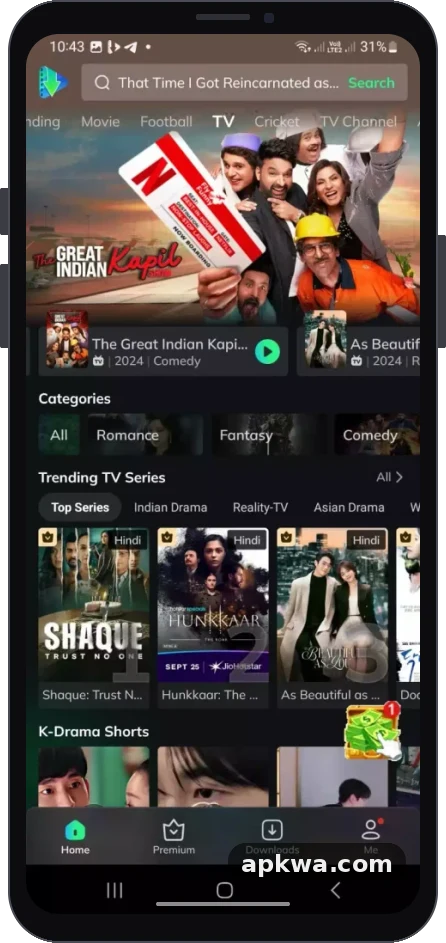
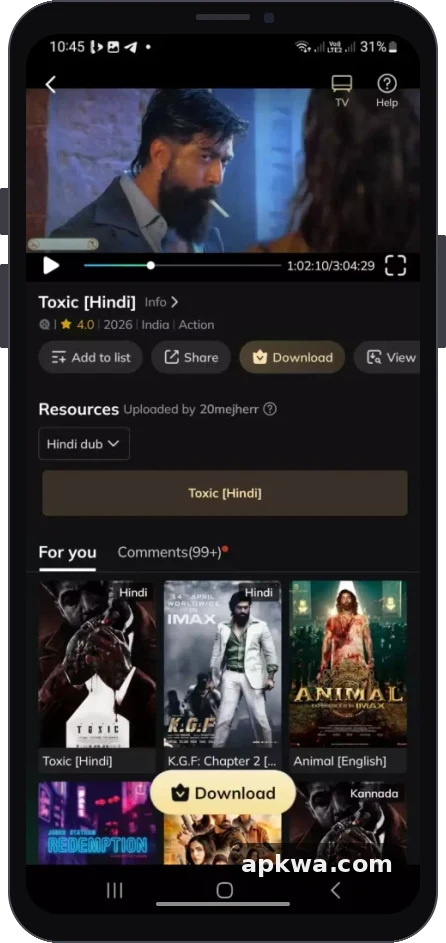
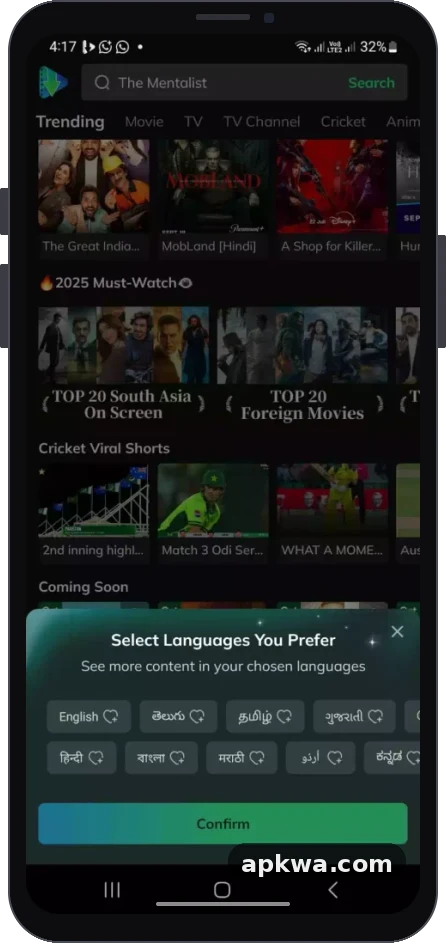
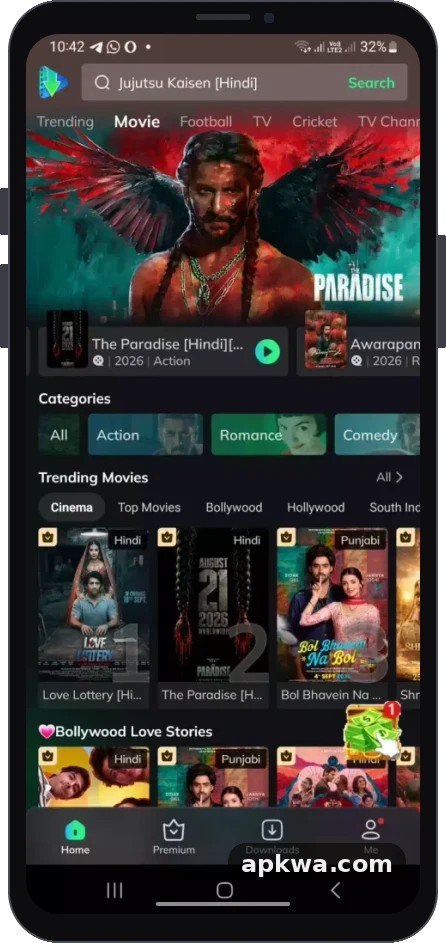
About MovieBox APK
Finding a reliable entertainment hub can feel overwhelming with the sheer number of subscription-based streaming services available today. If you want a flexible way to explore blockbuster films, trending TV series, and regional favorites without juggling multiple monthly fees, finding a dependable MovieBox apk download is often the top solution for digital media enthusiasts.
This comprehensive guide covers everything you need to know about the MovieBox app, including its standout features, system requirements, step-by-step installation instructions for various devices, and tips for a seamless entertainment experience.
What is MovieBox APK?
MovieBox is a popular media-streaming and content discovery application designed to bring vast libraries of entertainment directly to your personal devices. Rather than forcing users through complicated account creation walls, the application focuses on streamlined navigation, quick media tracking, and high-definition playback.
Whether you love action-packed Hollywood blockbusters, cozy weekend dramas, international cinema, anime, or live sports highlights, MovieBox organizes these options into an accessible, user-friendly interface.
Standout Features of the MovieBox App
Modern streaming apps need to offer more than just a basic video player. MovieBox includes several built-in utilities designed to elevate your viewing sessions:
- Vast Content Library: Access a diverse mixture of movies, television shows, trending series, and niche videos across multiple genres.
- Offline Download Capabilities: A standout feature for travelers and commuters, the offline download option lets you save videos directly to your device storage to enjoy without an active internet connection or cellular data.
- High-Definition Playback: Enjoy crisp visuals and smooth performance with adjustable resolution options tailored to fit varying internet connection speeds.
- Clean, Intuitive Navigation: A streamlined user interface allows beginners and seasoned streamers alike to search for titles, browse curated categories, and check media details effortlessly.
- Personal Watchlists: Keep track of what you plan to watch next, save favorite titles, and organize your entertainment queue efficiently.
System Requirements for Android Installation
Before starting your MovieBox apk download, verify that your device meets the baseline specifications required for stable performance:
- Operating System: Android 5.0 (Lollipop) or higher.
- RAM: Minimum 2 GB RAM (4 GB or higher recommended for smooth multitasking).
- Storage Space: At least 1 GB of free internal storage space to accommodate app installation and cached media files.
- Internet Connection: A stable Wi-Fi or mobile broadband connection (at least 6 Mbps) for buffer-free HD streaming.
Step-by-Step Guide: How to Download and Install MovieBox APK
Because third-party APK files fall outside standard application store ecosystems, you will need to tweak a quick security setting on your Android device before installation.
Step 1: Enable "Unknown Sources"
- Open your phone or tablet Settings app.
- Navigate to Security & Privacy (or Apps & Notifications depending on your device interface).
- Locate Install Unknown Apps or Unknown Sources and toggle the permission on for your preferred web browser (such as Chrome).
Step 2: Download the APK File
- Open your mobile browser and navigate to a trusted source hosting the verified MovieBox APK file.
- Tap the primary Download button to save the installation package securely to your device.
Step 3: Install and Launch
- Open your device's Downloads folder or file manager and tap the downloaded APK file.
- Review the prompts and select Install.
- Once the quick installation finishes, tap Open to launch the app, set up your watchlist, and dive into your favorite media.
Expanding Your Setup: MovieBox on Smart TV and PC
The flexibility of MovieBox extends well beyond standard smartphones and tablets.
- On Smart TVs and FireTV: You can utilize utility tools like the Downloader app to fetch and install the APK directly onto Android-powered television interfaces. Just make sure to enable installation permissions from unknown sources inside your TV's Developer Options first.
- On Windows or Mac PCs: If you prefer watching films on a larger computer monitor, download a reliable Android emulator such as BlueStacks or NoxPlayer. Install the emulator, drag and drop the MovieBox APK file into the window, and launch the application just like you would on a mobile device.
Final Thoughts
For entertainment fans looking for an all-in-one media tracker and streaming companion with robust offline download options, the MovieBox apk download provides a practical, feature-rich solution. By ensuring your device meets basic hardware requirements and following proper installation steps, you can unlock a streamlined entertainment ecosystem tailored right to your preferences.
MovieBox APK APK information
- Developer
- MovieBox Team
- Category
- Entertainment
- Version
- 3.5.0
- File size
- 131 MB
- Android requirement
- 5.0+
- Content rating
- Everyone
- Package name
- com.moviebox.apk
- Download source
- dl.mymovieboxproapp.com (official link, no file hosted by APKWA)
- Source link verified
- 27 Oct 2026
Questions about MovieBox APK
What is the latest version of MovieBox APK?
The latest version of MovieBox APK listed on APKWA is 3.5.0, updated on 2026-10-24.
How big is the MovieBox APK download?
Version 3.5.0 of MovieBox APK has a file size of 131 MB.
Which Android version does MovieBox APK need?
MovieBox APK requires Android 5.0+ or higher.
Who is the developer of MovieBox APK?
MovieBox APK is developed by MovieBox Team.
Where can I download MovieBox APK safely?
The Download button opens the official source (dl.mymovieboxproapp.com). APKWA does not host APK files.